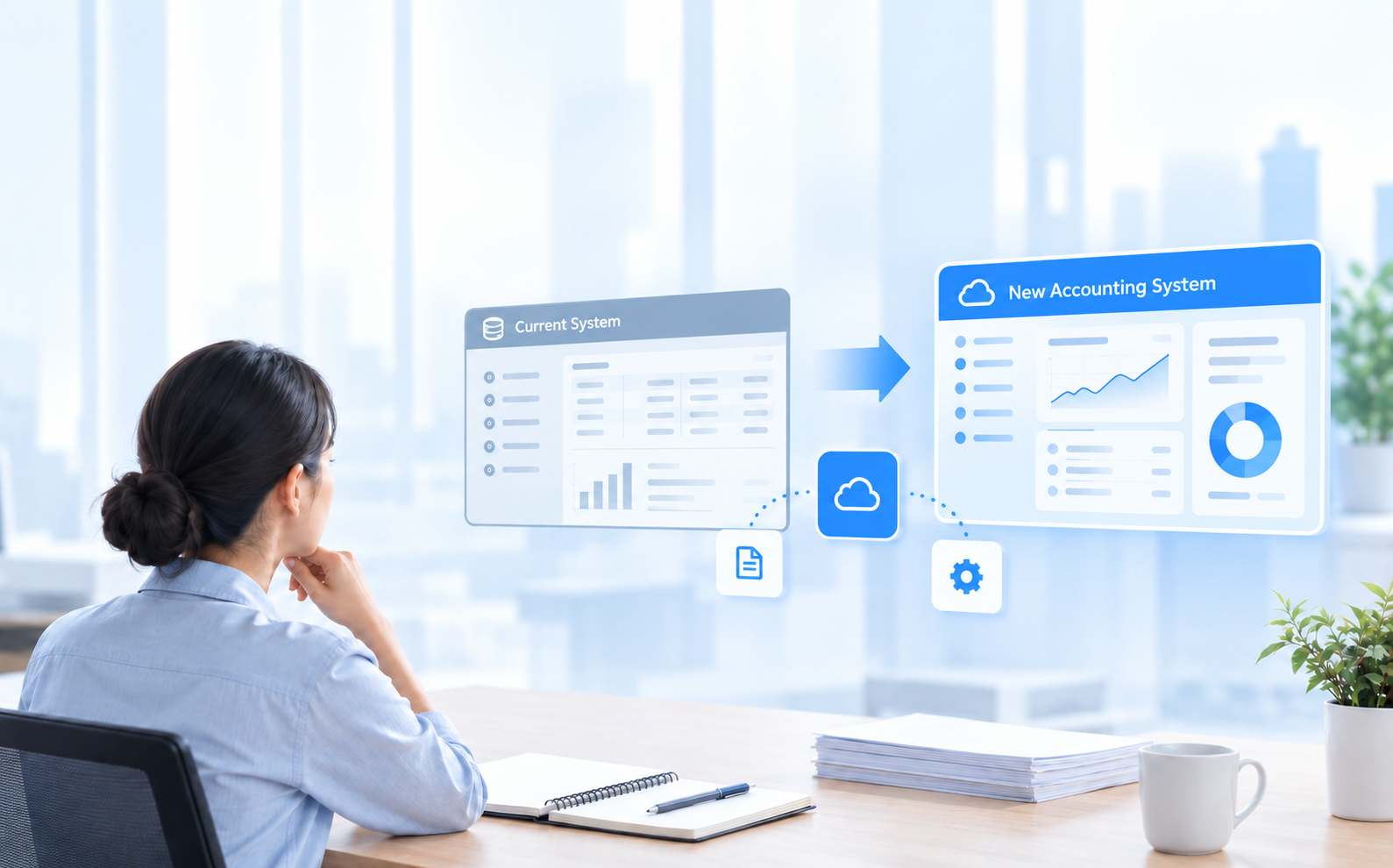
Switching accounting software is mostly decided before any data moves. The new system becomes the combined ledger behind your payables, receivables and general ledger, and its account structure and journal automation will drive your day-to-day reporting, so those decisions come first.
For small to medium business owners and accountants, especially businesses in Singapore and Southeast Asia planning to scale, tighten reporting, or move to cloud accounting, this is the sequence the work usually follows: from changeover planning and chart of accounts design to opening balances, history migration, report definition, workarounds, and the parts that usually take longer than the plan allows for.
The Account Structure Is Agreed Before Anything Moves
The first task in a system change is not exporting data. It is deciding what the chart of accounts should look like in the new system. Most charts of accounts grow by accretion: an account added for one grant that ran for a year, three near-duplicate expense codes created by three different bookkeepers, a catch-all account holding everything nobody wanted to classify at the time. Copying that structure across carries every reporting problem with it.
The version of this work that pays off is a few working sessions with whoever knows how the business actually operates, going through the accounts and asking what question each one is meant to answer. Some merge. Some retire. Some of what currently sits in account codes belongs in analysis dimensions instead, so that a project or a location can be reported on without a separate account being created for each one. In AOC the chart of accounts also controls posting, since payables, receivables and the general ledger share one combined ledger and the account structure is what prevents the same transaction being recorded twice.
Most of the effort in a system change is structural decisions made in advance, not data moved over a weekend.
Opening Balances Move First, History Moves Second
These are two separate jobs and they get confused often. Opening balances are the trial balance as at the cutover date, agreed and signed off, plus every open item listed individually: unpaid supplier invoices, unsettled customer invoices, uncleared bank items. Those open items have to arrive as documents rather than as a single net figure, because they will be paid, matched and aged in the new system after cutover.
History is a separate decision about how far back transaction-level detail needs to travel. A common and defensible answer is to bring the current financial year across in detail, load prior years as balances only, and keep the old system available in read-only form for lookups and audit queries. That is cheaper and less error-prone than a full history transfer, and it holds up as long as the old records stay accessible for the retention period.
Existing Workarounds Get Configured or Kept
Every business arriving from an entry tool brings a set of processes that run beside the software. A recurring accrual maintained in a spreadsheet and reversed by hand each month. An invoice layout produced in a document template because the system prints only one format; some tools, such as QuickBooks Online, offer customizable invoicing templates, which is why invoice-format workarounds should be reviewed during migration. A monthly allocation of shared costs across departments, calculated outside the ledger and posted as one journal.
Migration is the moment when each of these is either configured into the new system or accepted as continuing manual work. This is where user-defined journal types do the work: in AOC, transaction sequences, document printing and auto-reversal are set by the business rather than fixed by the vendor, so an accrual that currently reverses by hand can be defined once as a journal type that reverses on its own. Where invoicing can be automated, including recurring invoices and e-invoicing for compliant digital billing, it streamlines billing and helps reduce late payments. The practical step is to write the list down before setup begins, with what each workaround produces and who does it. Anything left off that list will still be running afterwards.
Write the workaround list before setup begins
- Recurring accruals maintained in a spreadsheet and reversed by hand each month.
- Invoice or document layouts produced outside the system because it prints only one format. Review whether the new system can handle these layouts in-system instead of continuing an external document workaround.
- Monthly allocations of shared costs calculated outside the ledger and posted as a single journal.
Reports Are Defined During Setup, Not After It
Reporting is usually treated as the last stage of a migration, which is a large part of why businesses end up back in spreadsheets a few months later. The reports that management, the board and the bank rely on determine what has to be captured at the point of entry. This includes core financial reports such as Profit & Loss, balance sheets and cash flow statements, as well as reports used for management and statutory purposes; basic reporting is not enough when the business also needs statutory and management outputs. If a board pack splits revenue by product line and by region, both need to exist as dimensions from the first transaction posted, or the first quarter of data will need re-tagging by hand.
AOC supports up to 10 analysis dimensions per function, and reports come directly from the ledger with no export step in between. That only helps if the dimensions were defined before posting started. Bring the actual report layouts to setup, including the awkward ones assembled manually today, and treat them as part of the specification rather than something to sort out once the system is live. This matters most where statutory outputs are involved, from Profit & Loss and financial statements to ACRA-compliant reports for annual returns and IRAS filing outputs such as F5 and F7 returns. Defining these layouts early also supports accurate GST reporting from day one, because the software must calculate GST correctly and include the compliance features that help businesses meet ongoing reporting requirements.
Choosing Between a Parallel Run and a Clean Cutover
A parallel run means entering transactions in both systems for a full period, closing both, and reconciling the two sets of numbers. It costs a month of duplicated data entry, and in exchange every difference gets found while the old system is still authoritative. Businesses with complex revenue recognition, inventory management, or a statutory audit close to the changeover date usually take this route, especially when inventory tracking or rising transaction volumes are part of the reason a more scalable system is being adopted.
A clean cutover moves everything at a period boundary, ideally the start of a financial year, with no overlap. It is faster and much cheaper in staff time, and it works when volumes are moderate, open items are few, and the opening trial balance is clean. Either way, the right accounting software should grow with the business; for many Singapore SMEs, that means a cloud-based system that scales more easily, integrates with existing tools, and helps manage inventory where operations are more complex. Pick the date early and hold it. Once the accounts have been prepared to a specific cutover date, moving that date means redoing the balance work.
What a Changeover Does Not Fix
A new system does not correct coding decisions made by people. If invoices are categorised inconsistently, or approvals happen in a chat thread and get entered later from memory, a better ledger will record the same inconsistencies with more precision and produce them faster. Good accounting software should automate core bookkeeping, routine accounting tasks and expense tracking rather than leave them manual, including bank syncing, receipt scanning and categorising business spending to support tax preparation. But the underlying habits are process problems, and they are worth fixing before migration rather than during it.
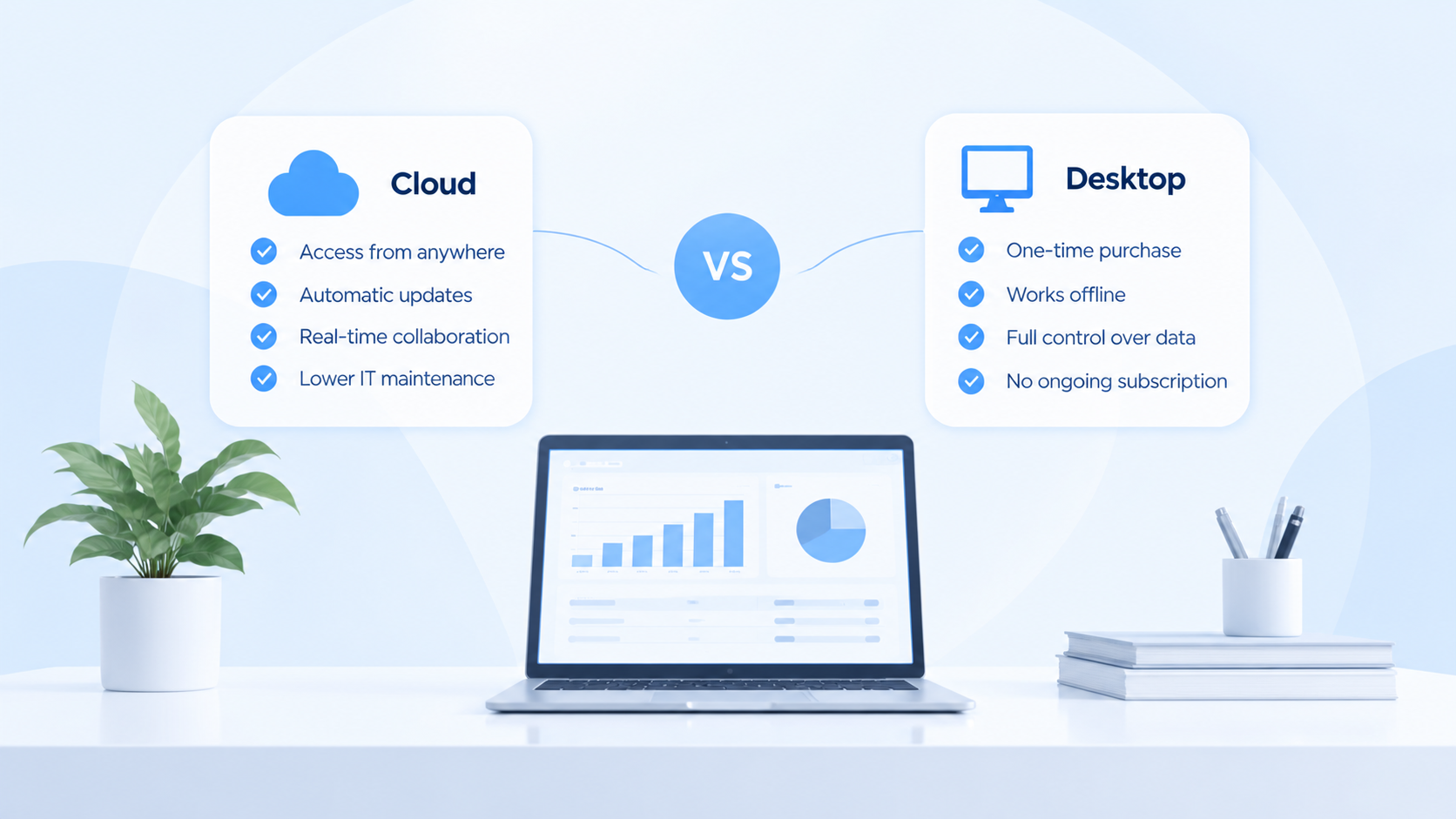
It also does not remove the learning period. A finance team is slower during its first two closes on any new system, and that should be planned into the calendar instead of treated as a sign something went wrong. And for a business whose accounts are genuinely simple and likely to stay that way, an entry tool remains the sensible answer for basic bookkeeping. The limit usually appears when manual work becomes time-consuming, or when better automation would reduce errors in financial reporting. The case for moving rests on complexity the current setup cannot hold, not on the age of the software.
What the Sequence Looks Like for One Business
Take a 25-person consultancy that has run on an entry-level tool since incorporation because it is easy for new users, now working across three offices and billing by project. Reporting to the partners requires a monthly spreadsheet that pulls the ledger export, splits revenue and staff cost by project and office, and adds an accrual for work delivered but not yet invoiced. As the business grew, the partners also needed clearer cash flow visibility and easier collaboration than spreadsheet exports provided.
The first two weeks of the changeover go on structure: reducing 140 accounts to about 90, and moving project and office out of the account codes into analysis dimensions. Week three covers the workaround list, where the unbilled revenue accrual becomes a journal type that posts and reverses on its own schedule, and the partner report layout is written down as a specification. Cutover happens at the start of the new financial year, with a signed-off trial balance, 60 open customer invoices and 30 supplier invoices loaded as individual documents, the current year loaded in detail, and prior years kept in the old file for reference.
The first close afterwards runs about a week slower than usual while the team learns where things are in the new system. By the second close, the partner report comes out of the ledger with the project and office splits already on it, and the accrual has posted and reversed without anyone opening a spreadsheet. The longest part of that whole sequence was the two weeks of structure work at the start. The data transfer itself took an afternoon.
Bring your chart of accounts to the conversation
A walkthrough of how the account structure, analysis dimensions and opening balances would be set up for your business, using your own accounts rather than a demo file.